Which Payment Method Works Best?
All four methods below are accepted at wn44. Choose the one that fits how you normally pay. Every channel supports the same minimum deposit of RM40 and funds typically land in your wn44 account within ~6 minutes.
-
Touch 'n Go eWalletMin depositRM40Arrival~6 minutesBest forMobile players
-
DuitNow TransferMin depositRM40Arrival~6 minutesBest forInstant bank transfer
-
FPX Online BankingMin depositRM40Arrival~6 minutesBest forAll major Malaysian banks
-
Bank TransferMin depositRM40Arrival~6 minutesBest forLarge amounts
Make Your First wn44 Deposit in 3 Steps
New to wn44? Here is the fastest path from sign-up to playing, using any payment method.
-
1
Log in to Your wn44 Account
Go to wn44 Login or open the wn44 App. Enter your username and password. If you have not registered yet, create a free account — it takes under two minutes.
-
2
Open the Cashier and Choose a Method
Tap Deposit in your account menu. Select Touch 'n Go, DuitNow, FPX or Bank Transfer. Enter the amount — minimum RM40 — and confirm. The page will redirect you to your chosen payment screen.
-
3
Confirm Payment and Start Playing
Complete the payment on your bank or eWallet app. Funds appear in your wn44 wallet within ~6 minutes. Your 250% first deposit bonus (up to RM150) is credited automatically — no coupon code needed.
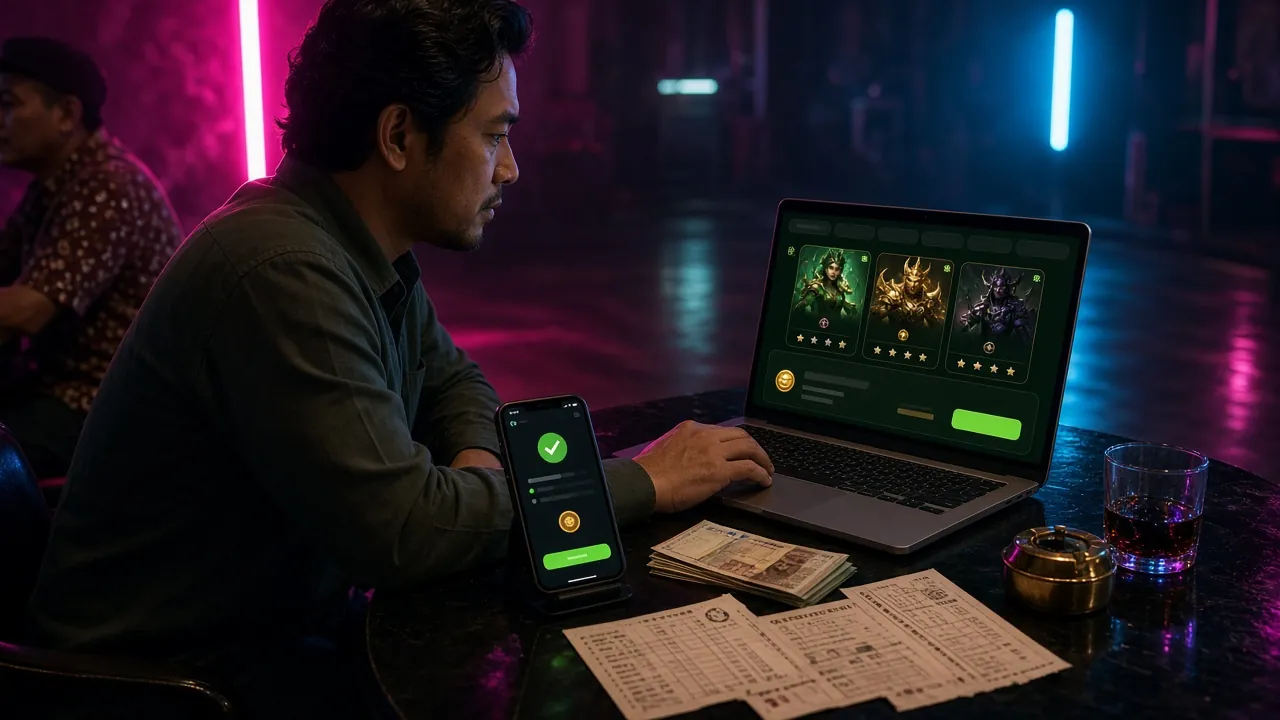
Depositing via Touch 'n Go eWallet
Touch 'n Go is the most popular choice for Malaysian mobile players. The whole process stays on your phone.
Touch 'n Go eWallet Steps
~6 min- Log in to wn44 and go to Cashier → Deposit.
- Select Touch 'n Go eWallet from the payment list.
- Enter your deposit amount (minimum RM40) and tap Proceed.
- A payment request appears in your TnG app — open it or scan the QR code shown on screen.
- Verify with your TnG PIN or biometrics.
- You will see a confirmation screen on both the TnG app and the wn44 cashier page.
- Return to wn44 — your balance updates within ~6 minutes.
Make sure your Touch 'n Go eWallet balance is sufficient before you start. The TnG daily transfer limit applies, so for large deposits consider FPX or Bank Transfer instead.
Depositing via DuitNow Transfer
DuitNow works with almost every bank in Malaysia. If your bank supports instant transfers, this is one of the smoothest routes.
DuitNow Transfer Steps
~6 min- In wn44 Cashier, choose DuitNow Transfer.
- Enter the amount (minimum RM40) and click Generate QR.
- Open your bank app and go to DuitNow → Scan QR.
- Scan the QR code displayed on the wn44 cashier screen.
- Confirm the payee name and amount in your bank app, then approve with your PIN or biometrics.
- Your bank sends a transaction reference number — keep it handy in case you need support.
- The wn44 cashier page shows "Payment Received" within ~6 minutes.
The QR code expires after 10 minutes. If it times out, go back to the wn44 Cashier and generate a fresh one — do not re-use an expired code.
Depositing via FPX Online Banking
FPX is the gold standard for Malaysian online payments and is accepted by all major local banks including Maybank, CIMB, Public Bank, and RHB.
FPX Online Banking Steps
~6 min- Choose FPX Online Banking in the wn44 Cashier.
- Enter your deposit amount (minimum RM40).
- Select your bank from the dropdown list and click Pay Now.
- You are redirected to your bank's secure login page — sign in with your online banking credentials.
- Review the transaction summary and approve with your TAC (Transaction Authorisation Code) sent via SMS.
- Your bank redirects you back to the wn44 cashier with a success confirmation.
- Balance updates in your wn44 account within ~6 minutes.
FPX transactions are processed in real time on business days. If you use a TAC by SMS, make sure your registered mobile number is active and has signal.
Depositing via Bank Transfer
Direct bank transfer suits players who prefer to handle larger transactions through their bank's internet banking portal.
Bank Transfer Steps
~6 min- Select Bank Transfer in the wn44 Cashier and enter your amount (minimum RM40).
- wn44 displays the destination bank account number and reference code — note them carefully.
- Log in to your bank's internet or mobile banking app and initiate a transfer to the displayed account.
- In the Reference / Remarks field, enter the exact reference code shown by wn44. This is how the system matches your payment.
- Complete the transfer and save the receipt or transaction ID.
- Return to the wn44 cashier and upload your receipt if prompted, or wait for the automatic matching — usually within ~6 minutes.
Always use the reference code provided for each individual transaction. Do not reuse an old reference — a wrong or missing code is the most common reason for delayed deposits.
Claim Your 250% Welcome Bonus
Your first deposit at wn44 triggers an automatic 250% bonus, up to RM150 bonus cash. Here are the key terms.
Deposit Not Arriving? Common Causes and Fixes
Most wn44 deposits complete without a hitch, but here is what to check if your balance has not updated after 10 minutes.
| Symptom | Likely Cause | Fix |
|---|---|---|
| Balance unchanged after 10 min | Payment still pending on bank side | Check your bank app for "Pending" status; wait up to 15 min then contact wn44 Live Chat |
| Transaction declined immediately | Insufficient balance or bank daily limit reached | Top up your eWallet or contact your bank to confirm limits; try a different method |
| QR code expired (DuitNow) | QR codes expire after 10 minutes | Return to wn44 Cashier and generate a new QR — do not scan the old one |
| Bank transfer not matched | Wrong or missing reference code | Submit your bank receipt to 24/7 Live Chat with the correct reference; matching is usually done within 30 min |
| FPX TAC not received | SMS delayed or weak signal | Move to an area with better signal; request a new TAC; confirm your registered mobile number with your bank |
| Error message on redirect | Browser cache or session timeout | Clear browser cache, use a different browser or the wn44 App, then restart the deposit process |
wn44 Live Chat support is available 24/7. When contacting support about a deposit issue, have your transaction ID or bank receipt ready — this speeds up the resolution significantly.